

Bulk edit well/plate properties
1765442840202
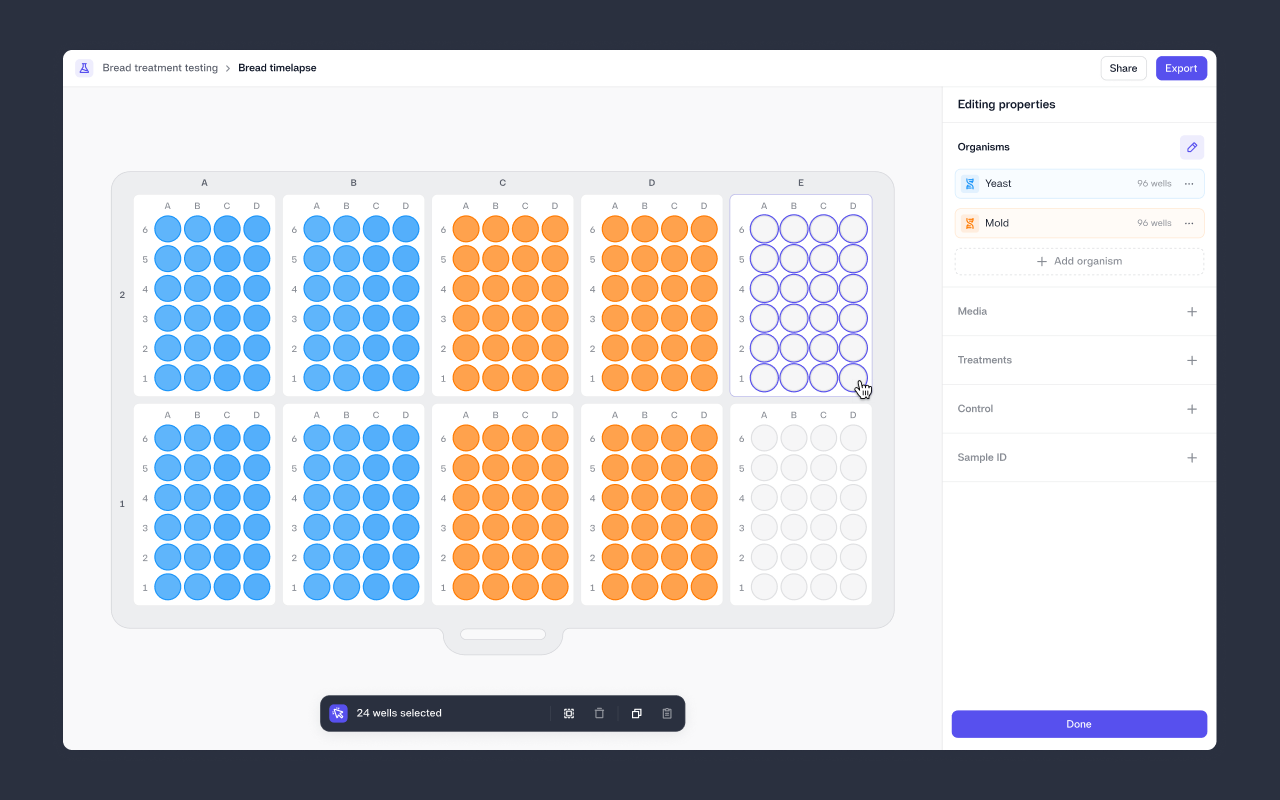
Assigning well details is now significantly faster. Until now, you could only update wells one by one; with this release, you can add or edit well details at scale. Updating properties across multiple wells simultaneously makes it easy to apply consistent, rich metadata and capture structured context across entire trays without slowing down your workflow. This supports deeper insights and more reliable downstream analysis.
In the job view, you’ll now find a Properties section in the right-hand panel. Select Edit properties to start bulk editing. You can choose multiple wells using drag-select, Cmd/Ctrl+click, full row/column selection, or Cmd/Ctrl+A. Copy/paste is also supported, allowing you to apply the same properties across multiple wells in seconds. You can even clear or update an entire tray in a single action.
To learn more about bulk editing wells, visit our Knowledge Base.
We hope this removes one of the key bottlenecks to assigning experiment metadata at scale. A richer context is now much easier to apply and maintain across all your experiments.
Did you like this update?


Leave your name and email so that we can reply to you (both fields are optional):
