

Centralized Member management
1770822580141
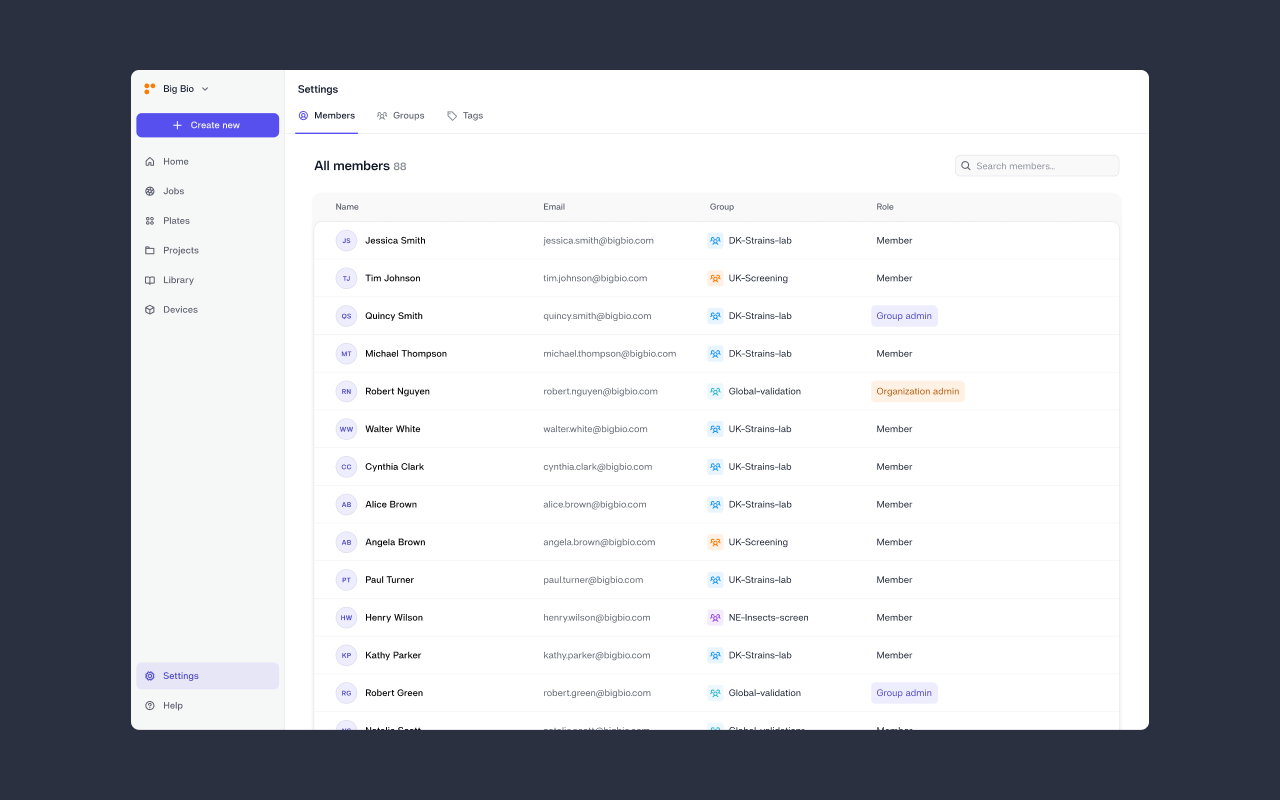
Managing access across multiple groups can quickly become complex. The new Members view gives administrators a single, organization-wide overview of users and roles — making it easier to control access, manage permissions, and keep teams aligned as you scale.
What’s new?
A dedicated Members view in Settings for managing users and roles.
Members — who can do what
If an organization has one group, Org admin = Group admin (same role and permissions).
Action | All users | Group admin | Org admin |
|---|---|---|---|
View Members | ✅ group-only | ✅ group-only | ✅ org-wide |
Invite users | — | ✅ to their group | ✅ to any group |
Promote/demote Group admin | — | ✅ within their group | ✅ anyone |
Promote/demote Org admin | — | — | ✅ |
Move users between groups | — | — | ✅ |
Activate / Deactivate users | — | — | ✅ |
Did you like this update?


Leave your name and email so that we can reply to you (both fields are optional):
