

Plate Templates
1779096977421
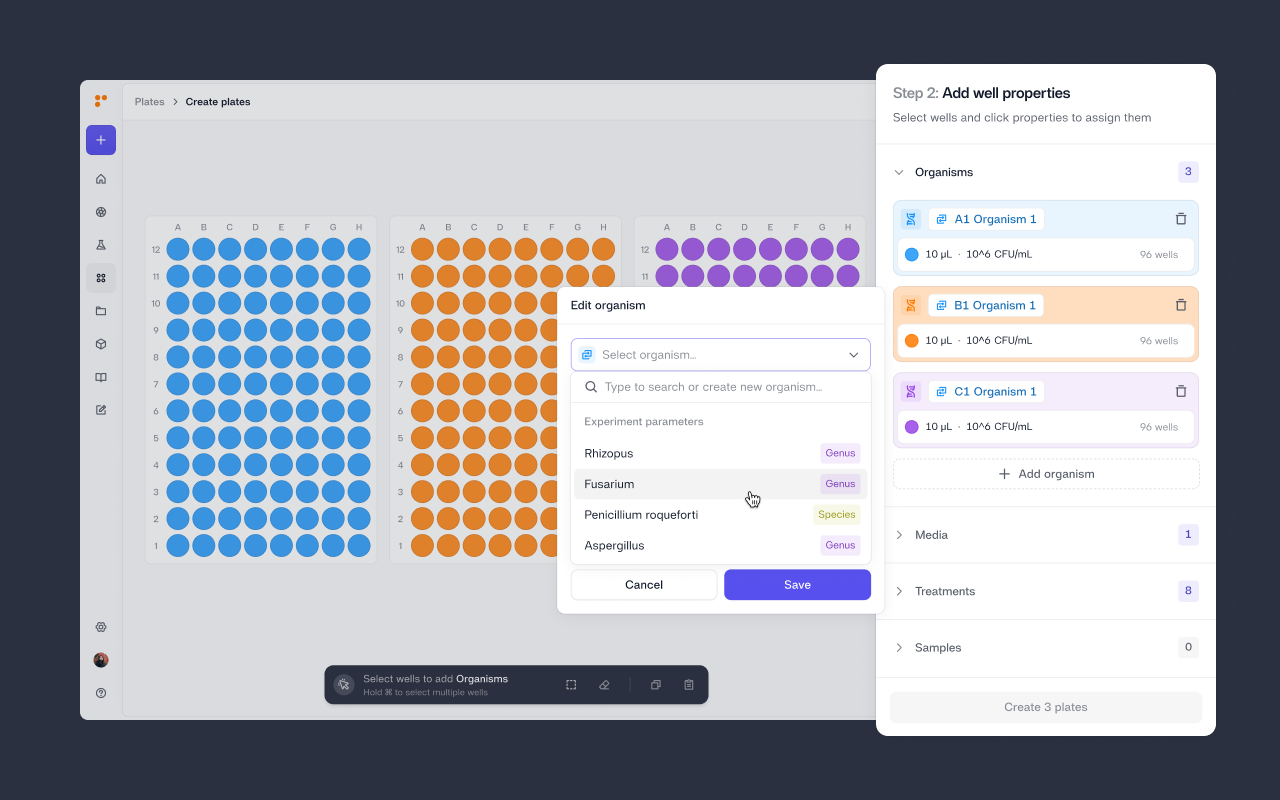
For most labs, plate layouts live in notebooks, spreadsheets, or someone's head – just to be rebuilt from scratch every time a run is set up. That wastes time, introduces transcription errors, and makes institutional knowledge fragile.
Plate Templates fix that. You define where your experimental properties and well placement once, along with volumes and concentrations. Then stamp that layout onto any new plate.
Each property in a template is either a Set Value — locked to a specific entity that never changes, like your growth media. Or it can be set to Variable, a named placeholder where concentrations/volumes and well placement are pre-defined, but the actual entity is chosen at plate creation time. This way, a scientist who creates new plates only needs to pick which organism or treatment to assign to each variable. Everything else is already there.
Templates can also be created or linked directly inside an experiment. When they are, all experiment properties are automatically surfaced when plates are created in that experiment's context. See Plate Templates in practice with our Product Lead, Aimée van de Schoor, in the video below:
What's new
Create reusable plate templates from the new Templates tab in Plates
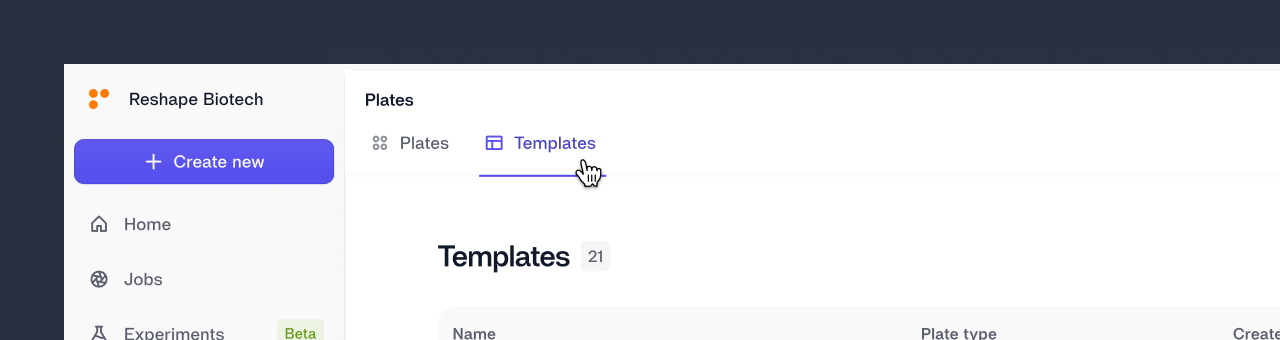
Mark any property as a Set Value (fixed) or Variable (filled in at plate creation)
Link a template to an experiment so it surfaces automatically when creating plates in that context
Plate Templates are available today.
Enjoy!
Did you like this update?


Leave your name and email so that we can reply to you (both fields are optional):
